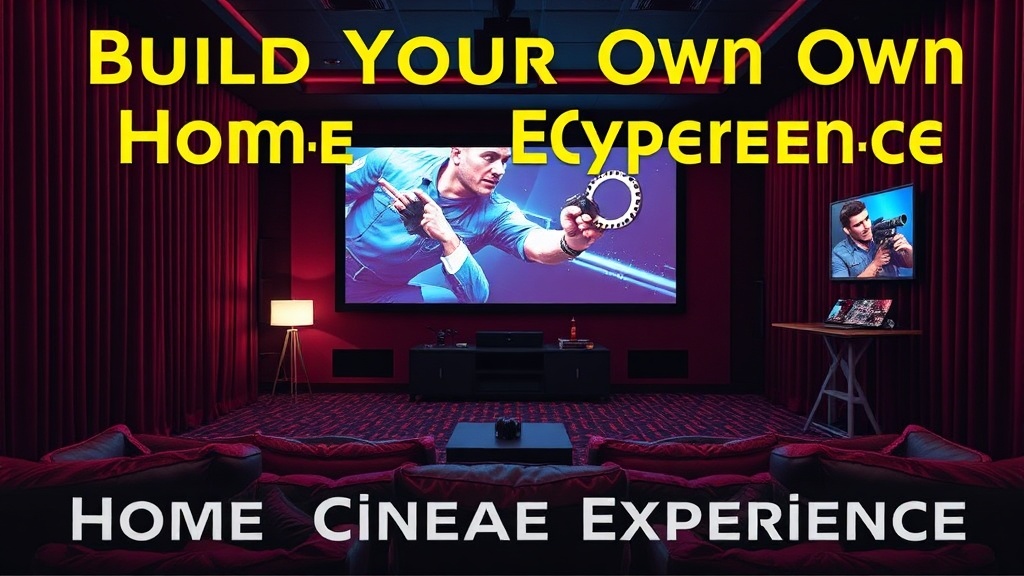
Build Your Own Home Cinema Experience

A single spotlight cuts through a dark room, hitting a massive white screen while a low, rhythmic bass vibration rattles the floorboards. The air feels heavy, charged with the tension of a brewing storm. This isn't a living room; it's a dedicated space designed to pull you out of reality and drop you straight into the middle of a film. Building a home cinema is about more than just buying a big TV. It's about controlling light, sound, and perspective to mimic the high-end theater experience.
Creating a professional-grade viewing environment requires a tactical approach to hardware and room physics. You'll need to balance visual clarity with acoustic precision. This guide breaks down the hardware, the room layout, and the technical nuances required to turn a spare room or a basement into a private screening room.
What Kind of Projector Should I Buy?
The best projector for a home cinema depends on whether you prioritize brightness for daylight viewing or contrast for dark, cinematic scenes. For a dedicated theater room, a high-end Sony or JVC projector is often the gold standard because they offer superior native contrast ratios. If you're working with a smaller budget or a bright living room, a high-lumen laser projector might be a better fit.
Projectors generally fall into three categories. You'll want to decide which one fits your specific space before spending a dime.
- DLP Projectors: These use Digital Light Processing. They are compact and offer great brightness, but some enthusiasts find the "screen door effect" distracting.
- LCD Projectors: These are reliable and produce great color, though they can sometimes struggle with deep blacks compared to high-end DLP models.
- LCoS (Liquid Crystal on Silicon): This is the premium tier. It offers the best-in-class contrast and detail, making it the preferred choice for true cinephiles.
Don't forget the screen itself. A high-quality screen is just as important as the projector. A standard white wall won't cut it if you want to see the fine grain of a 35mm film shot. Look into fixed-frame screens from brands like Stewart Filmscreen. If your room isn't perfectly dark, a high-gain ALR (Ambient Light Rejecting) screen will prevent the image from looking washed out when the lights are on.
It's also worth noting that the resolution matters—not just for the image, but for the longevity of your setup. While 1080p is fine for a budget build, 4K is the current standard for any serious enthusiast. 4K resolution provides the level of detail needed to truly appreciate modern cinematography.
How Do I Set Up a Surround Sound System?
A proper surround sound setup requires a dedicated receiver and a strategic placement of speakers to create a 360-degree sound field. You aren't just looking for "loud"; you're looking for directionality. If a car drives from left to right on screen, you should hear the engine move through the air around you, not just jump from one speaker to another.
The most common configuration for a high-end home setup is the 7.1.4 Dolby Atmos system. This includes seven floor-level speakers, one subwoofer, and four height channels (overhead speakers) to add a vertical dimension to the audio. This is where the magic happens. Without that height component, you're missing the "overhead" sensations that make modern blockbusters feel immersive.
To understand why sound placement is so vital, you should look into the art of cinematic sound. The way sound is layered in a film is a deliberate choice. In your home, you're trying to replicate that layering. If your speakers are placed haphazardly, the soundstage will break.
Here is a quick comparison of common audio configurations:
| Setup Type | Speaker Count | Best For |
|---|---|---|
| 2.1 (Stereo) | 2 Speakers + 1 Sub | Music and casual TV viewing |
| 5.1 (Standard Surround) | 5 Speakers + 1 Sub | Most movies and standard gaming |
| 7.1.4 (Dolby Atmos) | 12 Total Components | Full cinematic immersion and height effects |
One mistake people make is skimping on the subwoofer. The "LFE" (Low-Frequency Effects) channel is what gives you that physical sensation of an explosion or a heavy footstep. A weak sub will make a high-end system feel thin. Don't be afraid to invest in a heavy-hitting sub from a brand like SVS.
How Much Does a Home Cinema Cost to Build?
The cost of a home cinema varies wildly depending on whether you are buying entry-level consumer gear or high-end professional-grade components. A basic setup using a decent 4K projector and a soundbar might cost under $1,500. However, a true dedicated theater with a high-end projector, an AV receiver, multiple speakers, and acoustic treatment can easily exceed $10,000 or even $20,000.
Break your budget down into these three main buckets:
- Visuals (40-50%): This includes the projector, the screen, and the media player (like an Apple TV 4K or a dedicated media PC).
- Audio (30-40%): This includes the receiver, the speakers, the subwoofer, and the cabling.
- Environment (10-20%): This includes acoustic panels, blackout curtains, and specialized lighting.
That said, you don't have to go all-in at once. You can start with a 5.1 system and add height channels later. It's much better to buy a high-quality receiver now that can handle more speakers later, rather than buying a cheap one that you'll have to replace in two years. The receiver is the brain of the operation—don't cheap it out.
A common pitannya is focusing entirely on the screen and forgetting the room. If your room has huge windows or hardwood floors, the sound will bounce around and create echoes. This ruins the clarity of the dialogue. You might need to spend a bit of your budget on rugs, heavy curtains, or even acoustic foam to dampen the sound. (And yes, even if it looks a bit "studio-ish," it's worth it for the audio quality.)
If you're someone who appreciates the technical nuances of how images are actually captured, you might find the nuances of cinematography interesting. Understanding how a director uses light and shadow can help you realize exactly what your home setup is (or isn't) capable of reproducing.
Lastly, consider the cabling. It sounds boring, but high-quality HDMI 2.1 cables and speaker wires are necessary to ensure you aren't losing signal strength or frame rates. A bad cable can turn a beautiful 4K image into a stuttering mess. It's a small detail, but in a dedicated theater, every detail counts.
Steps
- 1
Optimize Your Lighting
- 2
Perfect Your Soundscape
- 3
Arrange Your Seating for Immersion